
Updated Oct 10, 2026
What's new on this page
- — Page published
The short answer
Photo to video AI (often called image to video AI) turns a still picture into a short moving clip. Here you do not type a prompt: you pick an effect, add one photo (or two for a scene with two people) and tap Make the effect. Bring to Life makes the person in the picture breathe, blink and smile; Hug and Slow Dance put two people from two photos together; Earth Zoom Out, Clones, Money Rain and the trend effects turn a selfie into something to post. Faces stay true to your photo, every clip has its own soundtrack, and it downloads as an MP4 a few minutes later. 5 seconds at 720p costs 5 credits, a failed render is never charged, and restoring an old photo first is free.
Photo to video, image to video: what it means
Both names describe the same job: you start from a picture, and the AI works out how that moment would move. A face turns, hair shifts, the camera drifts, a second person walks into frame. The hard part is not the motion, it is keeping the person recognisable while they move, so the quality of the photo matters more than any setting.
Most image to video tools hand you an empty text box and expect a prompt. That works if you know the words for camera moves and lighting. Here every effect is a scene that has already been written and tested, so you choose what should happen and the wording is taken care of. If you want a different result, you pick a different scene rather than rewriting a paragraph.
How to turn a photo into a video
- Pick the effect. The full grid is open on this page; Bring to Life is selected to start with.
- Add your photo. A clear, front-facing picture. For scenes with two people, add one photo of each or one photo of both.
- Check the length and format. 5 seconds in vertical 9:16 is the default; you can make it longer, sharper, square or widescreen.
- Tap Make the effect. In a few minutes the clip is ready to download, post or send.
What your photo can do
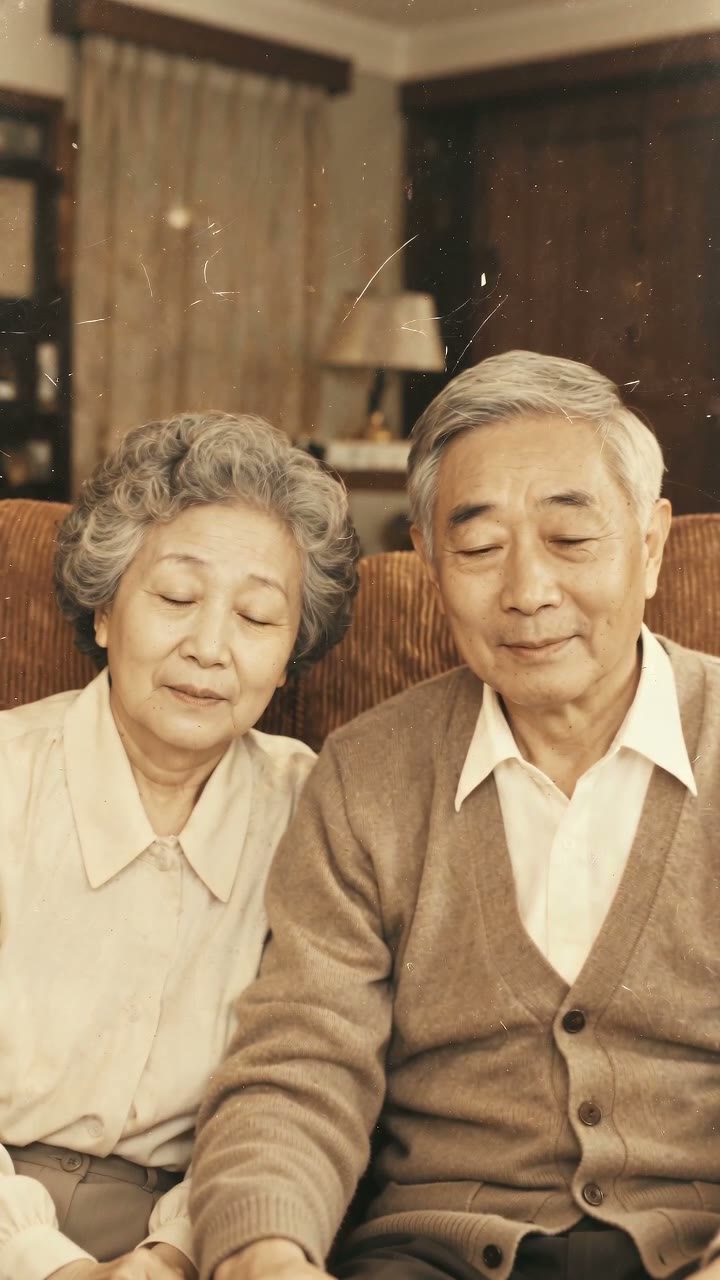
- Come alive. Bring to Life keeps the picture as it is and lets the person in it breathe, blink and smile at the lens, over a quiet piano. It is the gentlest option and the one people use to animate old photos.
- Share a hug. Two photos, taken years or countries apart, become one warm embrace with the AI hug generator.
- Hug someone who has passed. Memorial Hug is softer and slower, for an AI hug with a deceased loved one.
- Slow dance. Two people sway together to a waltz on piano and strings, like a first dance.
- Zoom out to space. Earth Zoom Out opens on your face and climbs past the city and the clouds until the planet is in view.
- Multiply. AI clone video fills a street with copies of you.
- Show off. Money Rain, Red Carpet, Fireworks, Levitation and Angel Wings each turn one selfie into a short, loud moment.
- Join a trend. The Raindance AI trend, the AI zombie trend, the gas station dance and Gangnam Style AI recreate clips people are already posting.
Every effect, with a sample clip for each, is on the AI video effects page.
One photo or two, and what you hear
Some scenes are about one person, some need two. A single photo of two people works for the two-person scenes too.
| Effect | Photos | Sound |
|---|---|---|
| Bring to Life | 1, or 2 people | A quiet, nostalgic solo piano |
| Hug | 2, or 1 photo of both | A warm acoustic guitar |
| Memorial Hug | 2, or 1 photo of both | Soft piano with light strings |
| Slow Dance | 2, or 1 photo of both | A slow waltz on piano and strings |
| Earth Zoom Out | 1, or 2 people | A rising cinematic swell |
| Money Rain | 1, or 2 people | A bouncy hip-hop beat |
| Gas Station Dance | 1 to 3 | The trend’s original song, 15 seconds |
None of the effects add speech or imitate anyone’s voice.
Which photos work best
- Sharp and front-facing. The face in the video is taken from your photo, so a clear, well-lit face matters more than anything else.
- Upper body is enough for most effects. Dance-heavy scenes, like the gas station dance, look better from a full-body photo.
- One face per photo when you add two photos. Small faces in group shots are harder to keep.
- Nothing over the face. Sunglasses, masks and low caps make the AI guess.
- Similar framing for two people. Two waist-up photos of a similar size sit together most naturally.
Old photos: restore first, then animate
Faded, scratched or black-and-white prints move far better once they are cleaned up. Restore the old photo first: three restores a day are free after signing in, and each takes about 30 seconds. Under the restored picture, Make it move sends it straight to Bring to Life, and Hug them sends it to Memorial Hug with room for your own photo.
Photo to video or a rap video?
An effect is a short scene with music and no words. If you want the people in your photos to actually perform, switch the studio to its Rap video tab: the AI writes original lyrics from one line you type, makes a beat and two voices, and the two of you rap it lip-synced, in about 3 minutes. A standard 12-second rap video at 720p is 10 credits. See rap duo AI, the Hotel Lobby AI trend or a birthday rap song for ideas.