
STORM II AI Video Generator
You stand in the middle of a crowd on the school steps, in a white shirt and a loosened striped tie. You turn to the camera, give the tie a tug, everyone stares into the lens, then the whole crowd bows deep and looks up at the sky, again and again, while you never move. One photo puts you in the middle. Add a second and the whole crowd takes on that look: your kids, your cat, your friends. With the original song, 15 seconds in 16:9, 10 credits at 720p.
- Dad stands still in the middle and the whole crowd is his son in a red hoodie
- A crowd of cats bowing around their owner
- One photo in the STORM II crowd dance, original crowd
🙇STORM II
1–2 people · 15s
1Add your photo
👤 STORM II: 1 photo is enough
Photo 1 is you: you stand perfectly still in the middle while the whole crowd bows around you. Photo 2 is optional: the whole crowd turns into that person or pet. Skip it to keep the schoolboys in blazers. One person (or pet) per photo, front-facing, eyes visible.
2Pick quality & length
This video: 10 credits · 10 songs a month for $29.90, or 40 a year for $100
By creating, you confirm you have permission to use every photo. Terms of Service
Ready in a few minutes · Failed renders are never charged · Packs never expire
What's in the 15 seconds
The 15 seconds from the end of the film (4:31–4:46) that the AI versions use, with the original song. Everyone bows except you.
Beat 1 · The turn (0–1.5s)
You stand in the middle of the crowd with your back to the camera, then turn round to face it.
Beat 2 · The tie (1.5–3s)
You give your loosened striped tie one tug and let your hands drop. A pet just settles in.
Beat 3 · The stare (3–8s)
Nobody moves. The whole crowd stares straight into the camera, with you in the middle.
Beat 4 · The bows (8–15s)
Cut to the wide shot in front of the school doors: the whole crowd folds into a deep bow, then throws their heads back to look at the sky, again and again on the beat. You stay standing, perfectly still.
How to make the STORM II AI video
Three steps from your phone. No reference video to upload, no prompt, no editing.
- 1
Add your photo
Photo 1 is you, the one who stands still in the middle. Photo 2 is optional: whoever (or whatever) the whole crowd should become. Leave it empty to keep the original crowd.
- 2
Keep STORM II selected
The effect is already picked on this page: 15 seconds in 16:9 with the original song. Standard at 720p is 10 credits; 480p is 7.
- 3
Make it and post
It takes a few minutes. Download the MP4 with the music already on it and post it to TikTok, Reels or Shorts.
What is the STORM II AI trend?
The film. STORM is a short film by GENER8ION, the duo of French producer Surkin and director Romain Gavras, starring the Swedish rapper Yung Lean. It came out on 24 April 2026 with two singles, “STORM I” and “STORM II”. The story is set in an all-boys boarding school, and the choreography is by Damien Jalet.
The scene. The film ends with the moment everyone now copies: Yung Lean, in a white shirt and a loosened striped tie, stands motionless in the middle of dozens of boys in dark school blazers. They stare into the camera, then, in a wide shot in front of the school doors, the whole crowd bows deep and throws their heads back to the sky, again and again on the beat, while he never moves. The official video had about 36.9 million YouTube views by 12 October 2026.
How it became an AI trend. At the start of September 2026 Higgsfield released Genjutsu, a tool that moves a clip's motion onto new people, and from around 11 September AI versions spread on TikTok. One of the early ones, an Indonesian version with kids in the crowd, had about 1.4 million views by 12 October. People put themselves in the middle and swapped the crowd for their kids, their cats or their football team. Searches for the AI version peaked on 19 to 21 September.
The VMAs. On 27 September 2026 GENER8ION and Yung Lean performed the ending live at the MTV Video Music Awards in Los Angeles, Yung Lean's first US TV appearance, and the song had a second wave of searches.
Sources: The Fader, Wikipedia, InsideHook, Hypebeast (the VMA performance). This page makes the same clip from your photo, and a second photo picks the crowd.
Who's in the crowd?
Photo 1 is you, standing still. Photo 2 decides who fills the steps around you, and everyone in the crowd takes on that one look.
The original crowd
Skip photo 2 and you get the original look: rows of boys in dark school blazers bowing around you.
All your kids
Add a photo of your son or daughter and everyone around you becomes them, all bowing to you at once.
A crowd of cats
Add a photo of your cat or dog and the crowd turns into that pet, bowing low and looking up on the beat. A pet can also take the middle spot as photo 1.
Your friend or your team
Use a photo of a friend, or of someone in your team kit, and the crowd copies that look. One photo sets everyone, so pick the one you want everywhere.
Better photos, better crowd
You're the still point in the middle, so your face carries the clip.
Clear and front-facing
Even light, looking at the camera, one face per photo. Skip sunglasses, low hats and heavy filters.
We add the outfit
Upload any photo of you. In the video you wear a white shirt with a loosened striped school tie, like the lead in the film. Whoever is in photo 2 keeps their own outfit, copied across the whole crowd.
Photo 2 is copied to everyone
Whatever is in photo 2 is repeated across the whole crowd, so use a photo of one person or one pet, alone in the frame.
Pets: one sharp animal
For a pet crowd, a sharp photo of one animal facing the camera works best. Fur color and markings carry over.
Put yourself in another trend
Same deal on every one: your photos, the original moves and the sound.
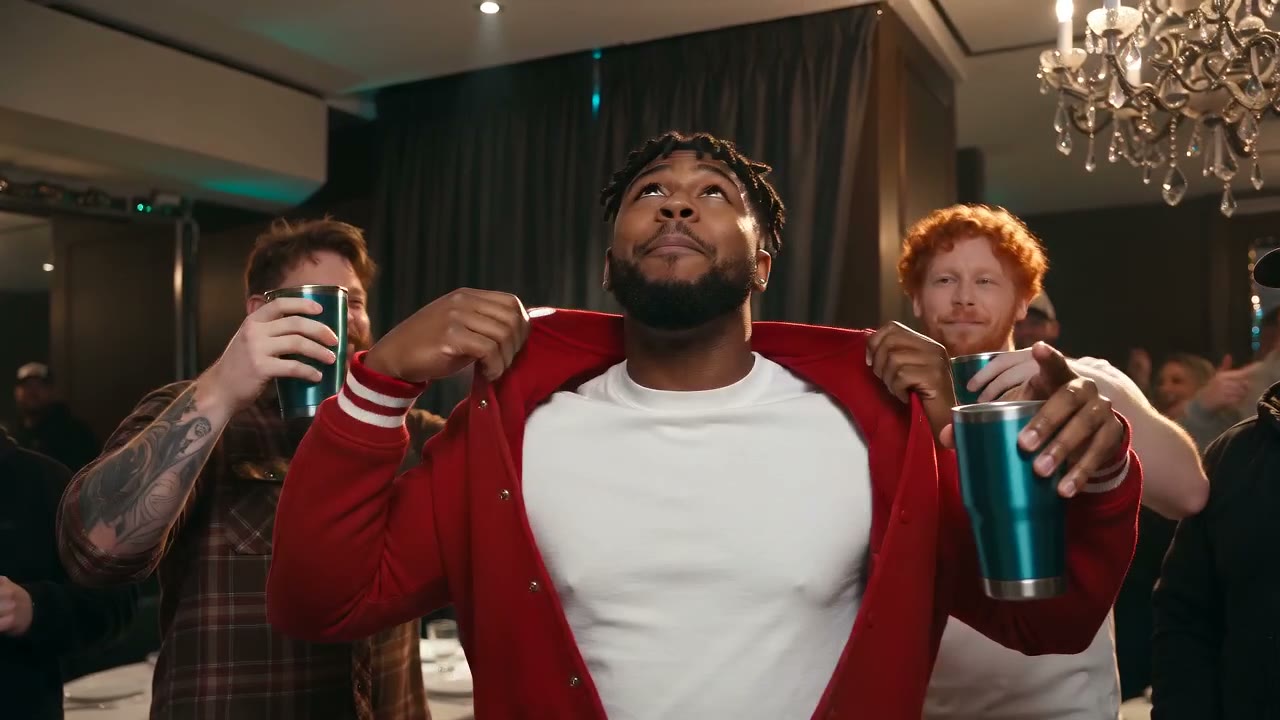
Burning Bridges AI
Drake's chandelier party room: the silver cup, the pointing and the “Where she at?” wave. 1–3 photos, 15 seconds with the song.
Make this one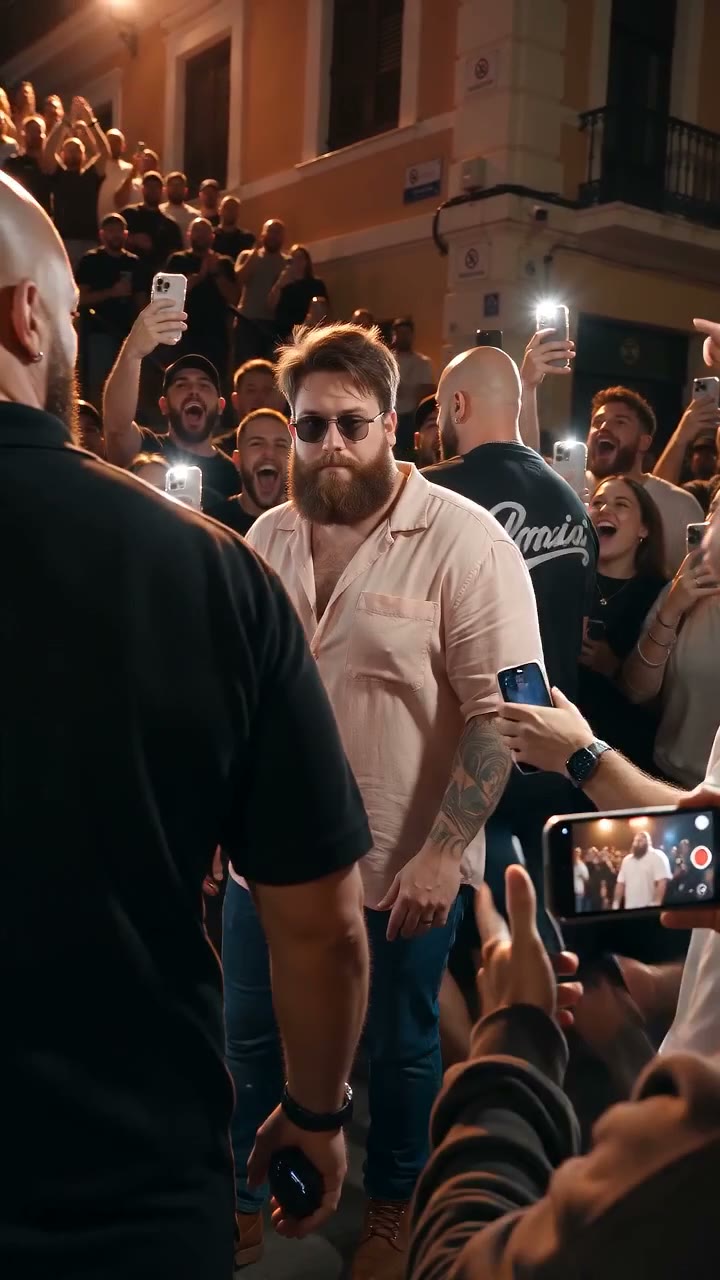
Bulin 47 AI
The street freestyle everyone is remaking: pink shirt, shades, a friend on the speaker, the shoulder move. 15 seconds with the sound.
Make this one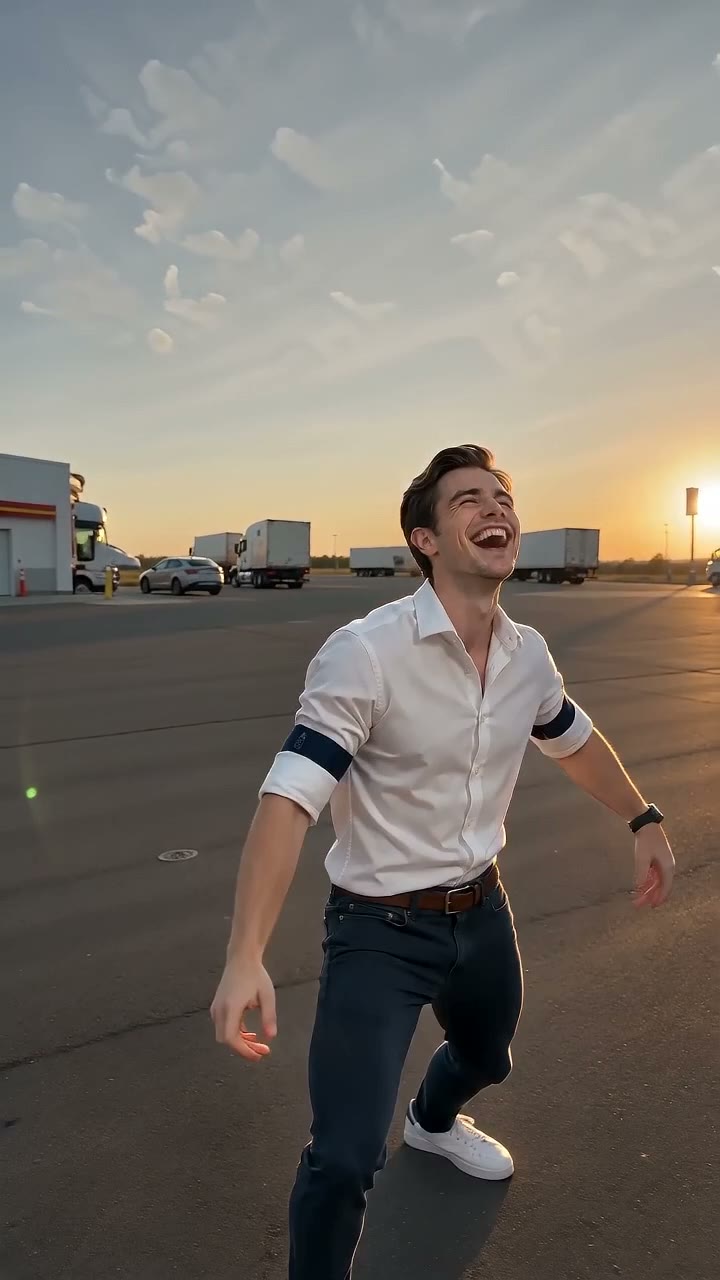
Gas Station Dance
The gas station dance trend, shot for shot: three photos, the forecourt, the car, the dance. 15 seconds.
Make this one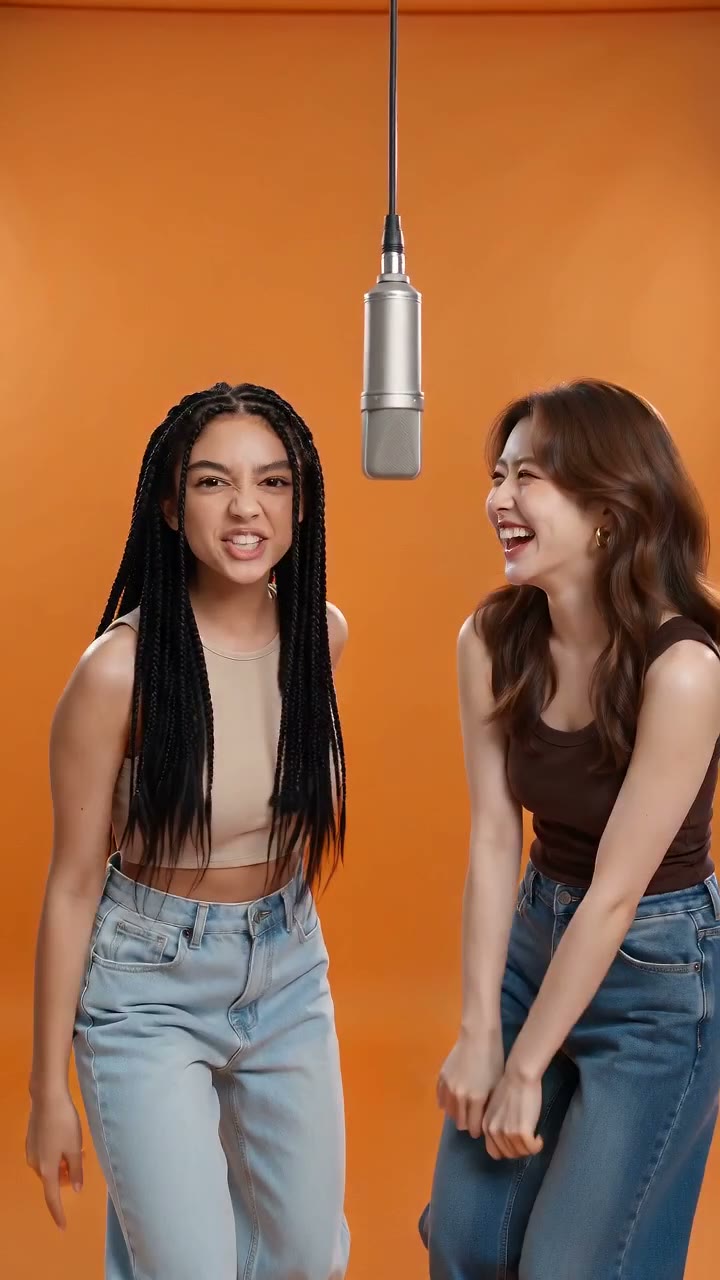
Hotel Lobby AI
The two of you rapping in the hotel lobby, with a song written about you. The trend that started it all.
Make this oneSTORM II AI: questions
Can't find your answer? Email us at [email protected] and we'll get back to you.
How much does it cost?
Is there a free preview?
How many people can be in it?
How long is the video?
Is it vertical or landscape?
Does it come with the original song?
What music video is STORM II from?
Can I replace the whole crowd?
Does it work with my cat or dog?
Can I use a photo of a celebrity?
Is this the official STORM II video?
What if the render fails?
Take the middle spot
One photo, the bowing crowd, the original song, 15 seconds in 16:9, 10 credits. Add a second photo to pick the crowd.