
Ghost Filter Prank AI
Upload one selfie and get the ghost prank video: a grey ghost with long stringy hair, huge white eyes and a far-too-wide grin rises behind your shoulder, ducks away when you look, then pops back cheek to cheek. 8 seconds, vertical, with sound. Works in your browser, no app to download.
- Hallway selfie
- On the couch
- Kitchen at night
🫣Ghost Filter Prank
1 person · 8s
1Add your photo
👤 Ghost Filter Prank: 1 photo is enough
One selfie of one person, face to the camera, with some room behind your shoulder. No mirror selfies.
2Pick quality & length
This video: 7 credits · 10 songs a month for $29.90, or 120 a year for $299
By creating, you confirm you have permission to use every photo. Terms of Service
One selfie, one person · Ready in a few minutes · Failed renders are never charged
What is the ghost filter prank?
The prank. Someone points a phone at a friend with a ghost filter on. On screen, a hunched grey ghost with long hair, white eyes, a wide grin and clawed hands appears right behind them. The friend only sees it when they look at the phone, and their reaction is the video. By 16 October 2026, #ghostprank had about 8,900 videos and 309 million views, #ghostfilter about 4,600 videos and 90 million, and #ghostsfiltereffect about 3,400 videos and 55 million.
Where it comes from. The ghost is a TikTok effect called "kuntilanak behind" (a kuntilanak is a female ghost from Indonesian folklore), made by @ellanurfasa and used in about 1.09 million TikTok videos by 16 October 2026. This wave started in South Africa around 22 September 2026 and reached the US in early October. Most of the biggest clips are parents filming their kids, which drew a lot of criticism; among adults, a TikTok of a man pranking his housekeeper had about 342,000 views by 16 October, and the couple clip on the right is another.
The AI version. The filter only works live, on someone standing in front of you. Here you start from a selfie you already have. The AI turns it into a short video of you smiling at the camera while the ghost rises behind you, so you can send it to someone and watch them be the one who spots her. Other ways to make it (TikTok, CapCut): how to make a ghost filter prank video.
Which ghost filter is this? It is the ghost-behind-you prank: your face stays your own and a ghost appears in the room with you. It is not the Ghostface trend (the masked killer from Scream standing in a doorway), and it does not turn your own face into a ghost.
What happens in the 8 seconds
Every video follows the same slow build, so the person watching relaxes before they notice something is wrong.
0–2s: a normal selfie
You smile into the lens and blink, in your own room and your own light. The space behind your shoulder is empty.
2–5s: something rises
First long grey hair, then one huge white eye, then the grin. By 5 seconds she is right behind you, clawed hands raised.
6s: you look back
You glance over your shoulder. Nothing there. You shrug and turn back to the camera.
7–8s: she is back
The ghost pops up cheek to cheek with you, grinning into the lens, with a horror sting. You never see her.
The sound
Room tone, a low eerie hum that swells, a creak as she rises and a sharp sting at the end. No music to clash with your post.
Creepy, not gory
No blood, no wounds, no skulls. It is a scare made to send to friends, safe to post on a public account.
Before and after: one selfie in, one ghost out
Left: the photo that went in. Right: the last frame of the video. The room, the light and the face stay as they were; only the ghost is new. Everyone here is AI-generated.
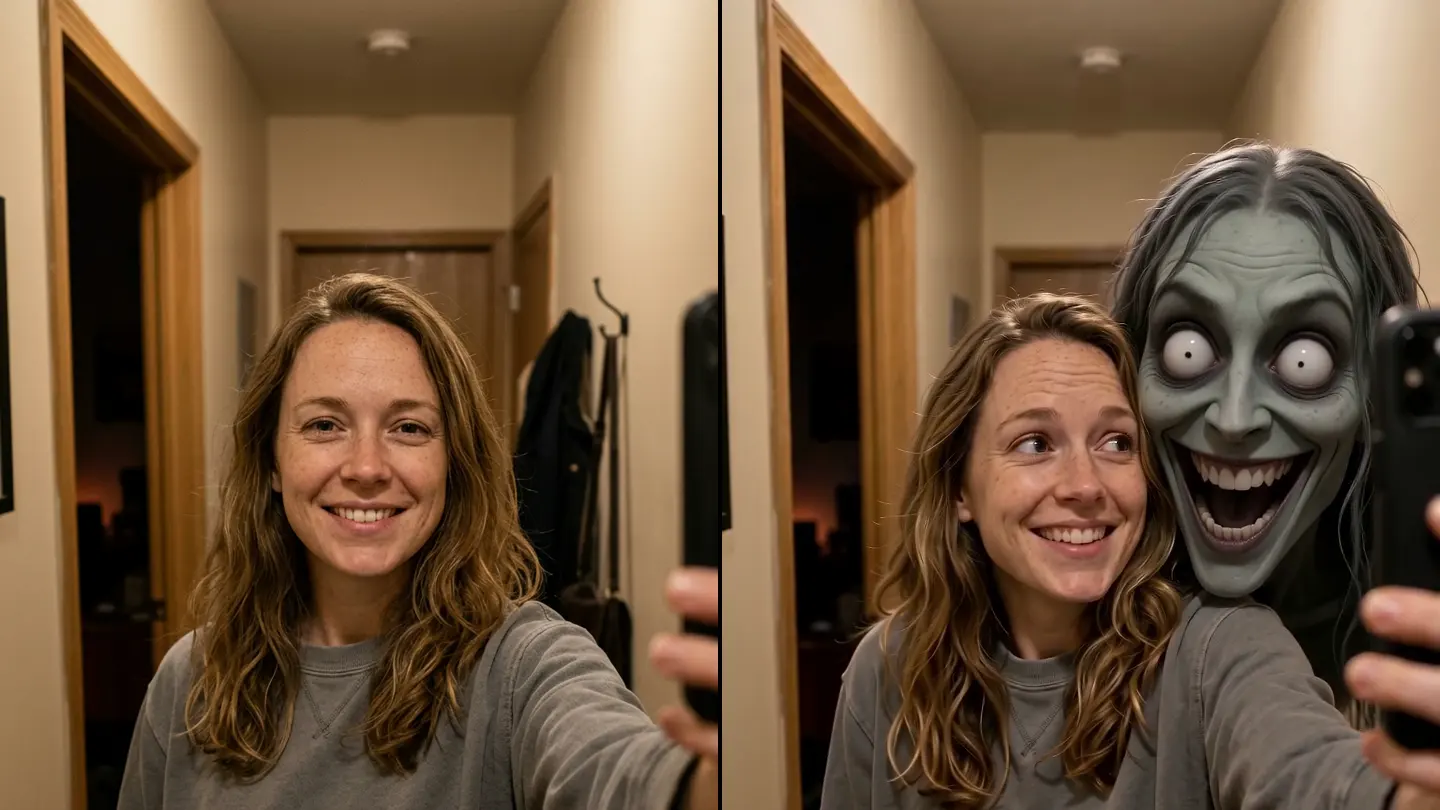
Hallway selfie
An evening selfie with a dark doorway behind her shoulder. That doorway is where the ghost comes from.
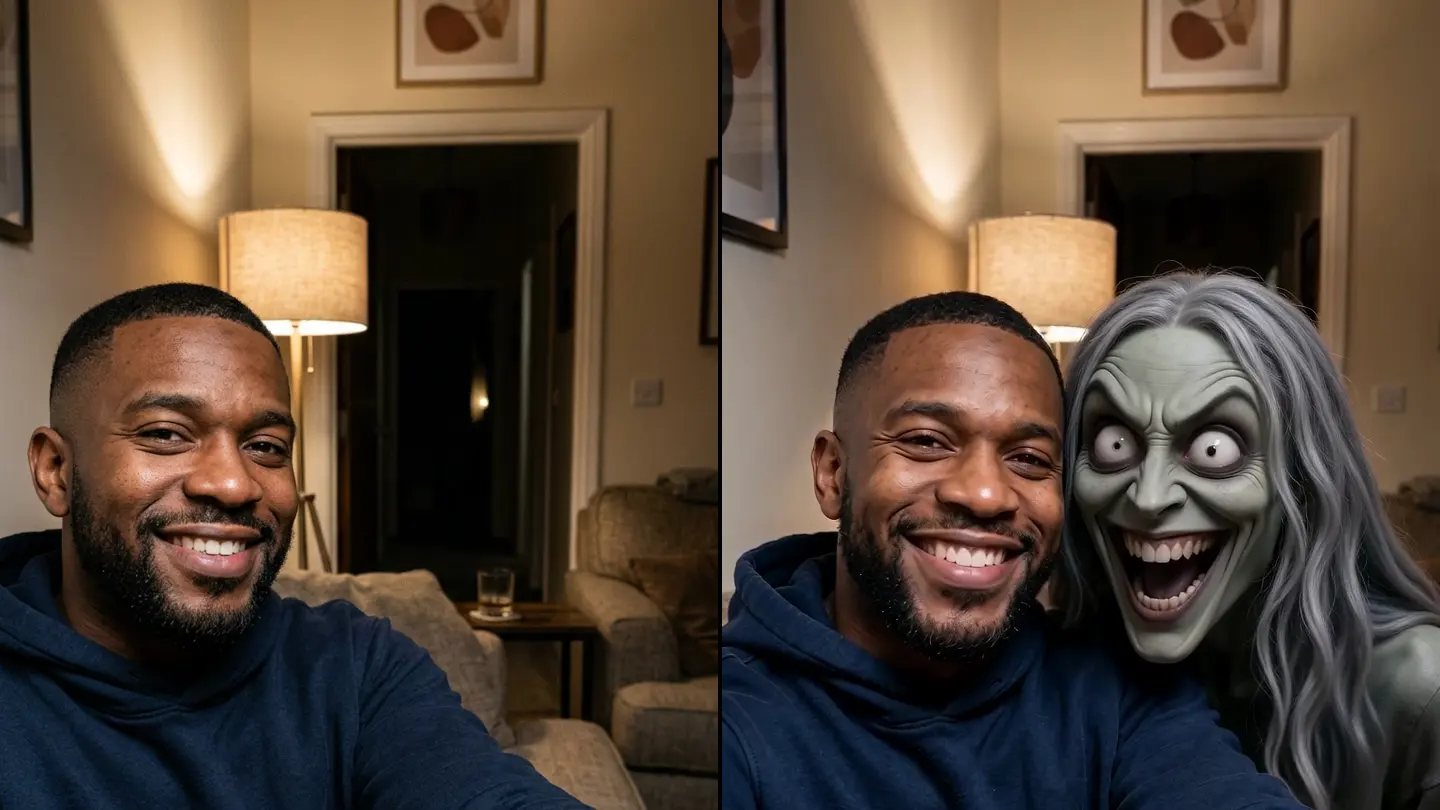
On the couch
A living-room selfie from the sofa, lamp on. The ghost stays lit like the room.
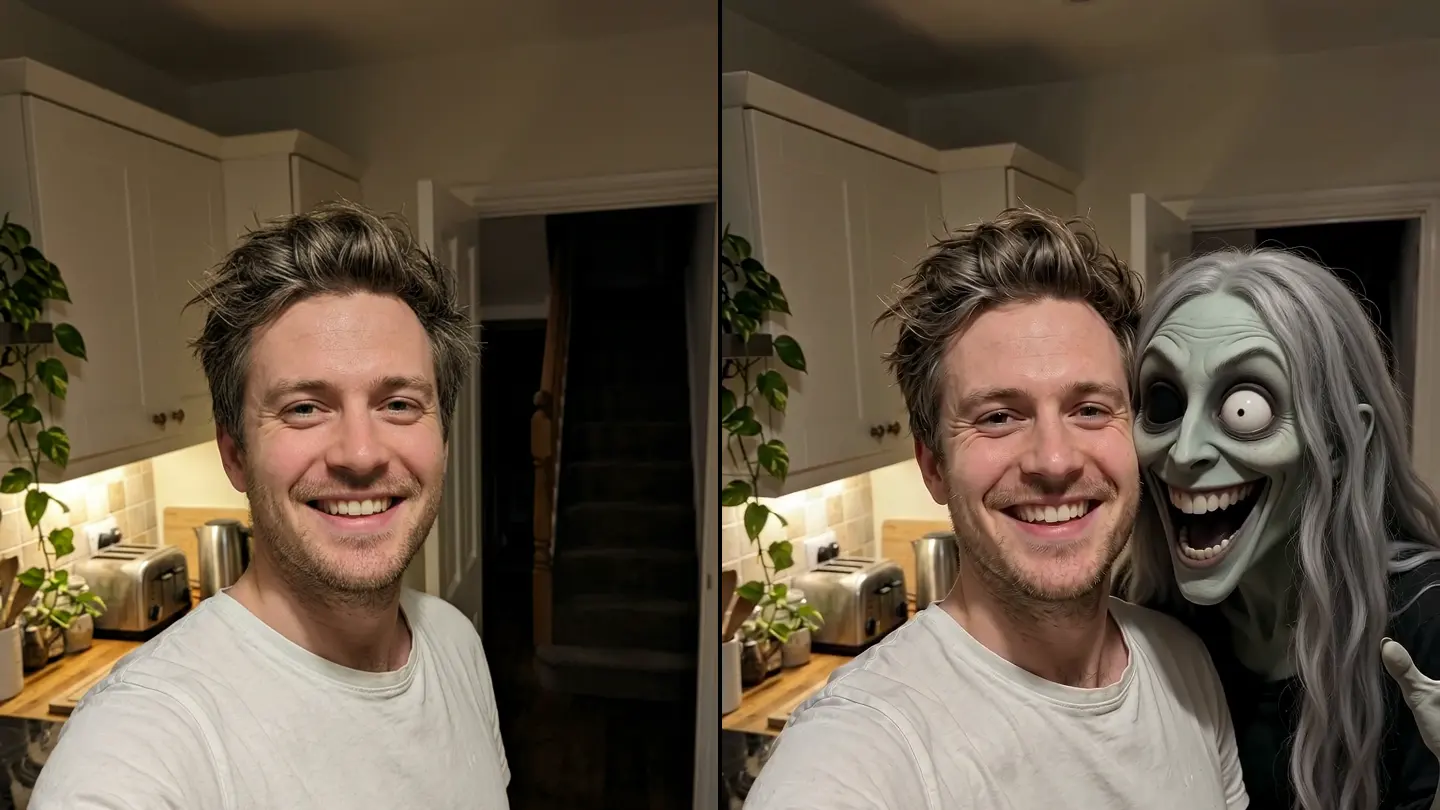
Kitchen at night
A kitchen selfie with dark stairs behind him. Perfect for "did you hear something last night?"
How to make a ghost filter prank video from a photo
Three steps on your phone or laptop. No filming, no editing skills, no app.
- 1
Upload one selfie
One person, face to the camera, with some room behind your shoulder: a doorway, a hallway or a dark corner is perfect. An old photo from your camera roll works too.
- 2
Keep Ghost Filter Prank selected
The effect is already picked on this page: 8 seconds, vertical 9:16, with sound. The price shows on the button before you press Make.
- 3
Make it, then send it
It takes a few minutes. Download the MP4 and send it to a friend, or post it to TikTok, Reels or Shorts with #ghostfilter. A failed render is never charged.
AI vs the TikTok effect vs CapCut
There are three ways to make a ghost prank video. Pick by what you have: someone in front of you, clips to edit, or just a photo.
AI from one photo (this page)
No filming and no editing: upload a selfie and get a finished 8-second video with sound. The ghost is part of your room, not a sticker. Paid, a few minutes, works in your browser.
CapCut
Free. CapCut has the same ghost effect and a few look-alike templates; you film or import your own clips and edit them. Note: CapCut's popular "GHOST FILTER" template is a Ghostface (Scream) template, not this ghost.
TikTok effect "kuntilanak behind"
Free and instant, but live only: search "kuntilanak behind" in TikTok Effects, point the camera at someone and film their reaction. You cannot use a photo you already have.
Who to send it to (and what to say)
The video does the scaring. The message you send with it sells it. Prank adults who are fine with a harmless scare.
Your mom
"Home alone tonight, finally some peace 🙂" Then wait for the phone to ring.
Your partner
A "missing you" selfie before bed. Best sent after the lights are off.
Your roommate
Use a selfie from your shared hallway or kitchen, then ask: "Did you hear something in here last night?"
The group chat
Drop it in as "testing a new filter, thoughts?" with no warning. Count how many people zoom in.
Tips for the scariest result
Leave room behind you
The ghost needs space over your shoulder. A doorway, a hallway, stairs or a dark corner behind you is ideal.
Face the camera
A front-camera selfie with your face clearly visible gives the most natural movement. Just you in the frame.
Normal room light
A slightly dim room at night sells it. Very dark or heavily filtered photos make your face harder to animate.
No mirror selfies
A mirror shows the room twice and can confuse where the ghost should be. Use the front camera instead.
What a video costs here
A 8-second video at 720p here is 7 credits. Pay once for the video you just set up, or subscribe if you make them every week. Failed renders are never charged.
Pay once
Credits never expireSingle
12 credits · 1 video
$9.99
≈ $9.99 / video
Enough for 1 video like this one
Trio Pack
Save 33%36 credits · 3 videos
$19.99
≈ $6.66 / video
Enough for 5 videos like this one
Crew Pack
Save 51%120 credits · 10 videos
$49
≈ $4.90 / video
Enough for 17 videos like this one
One for everyone in the family, or 5 in Pro quality
Studio Pack
Save 60%300 credits · 25 videos
$99
≈ $3.96 / video
Enough for 42 videos like this one
Bigger packs:Label Pack · 60 videos · $199Best valueSee every pack and plan
Or subscribe and save
Credits refresh monthly · cancel anytimeBasic
100 credits / month · 8 videos
$29.90/mo
≈ $3.74 / video
14 videos like this one, every month
Pro
Save 17%200 credits / month · 16 videos
$49.90/mo
≈ $3.12 / video
28 videos like this one, every month
Agency
Save 33%480 credits / month · 40 videos
$99.90/mo
≈ $2.50 / video
68 videos like this one, every month
- HD video, no watermark
- Download and post anywhere
- Failed renders are free
- Secure checkout by Stripe
More Halloween effects
Same deal on every one: your photo, the scene and the sound already set.
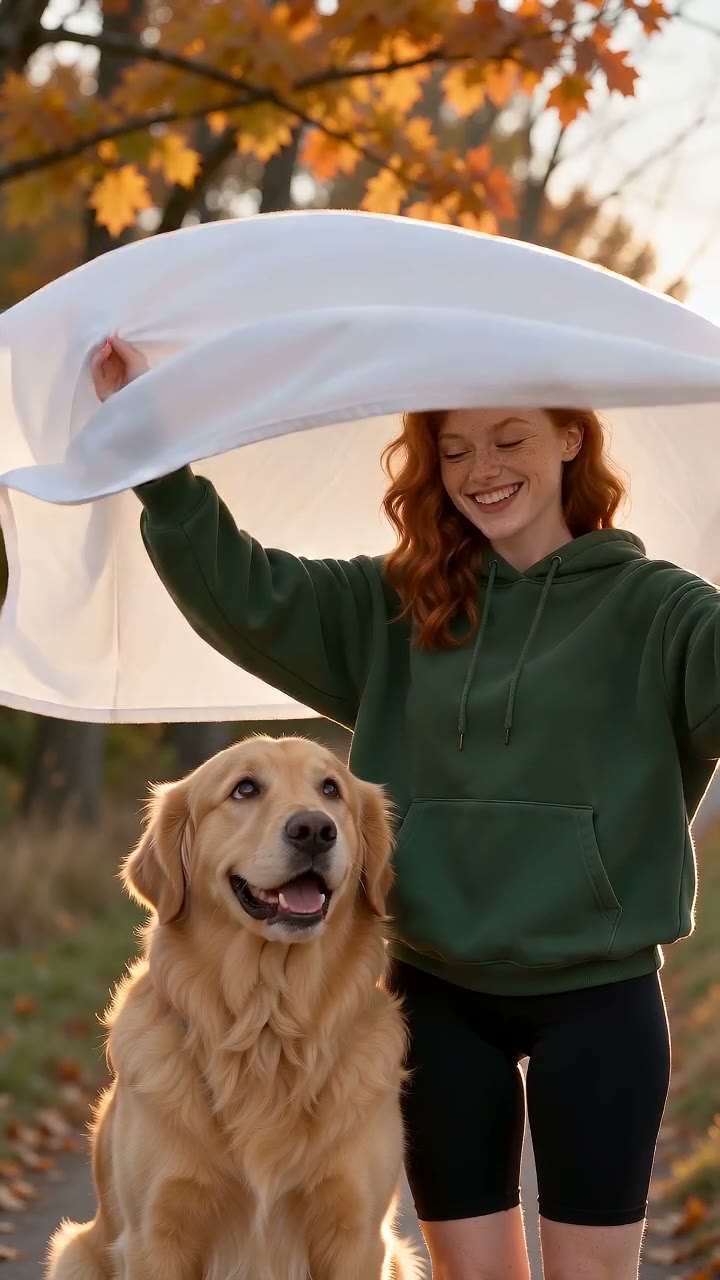
AI Ghost Photoshoot
The cute ghost trend: a white sheet with sunglasses, an autumn path, two posed clicks and the reveal. People or pets.
Make this one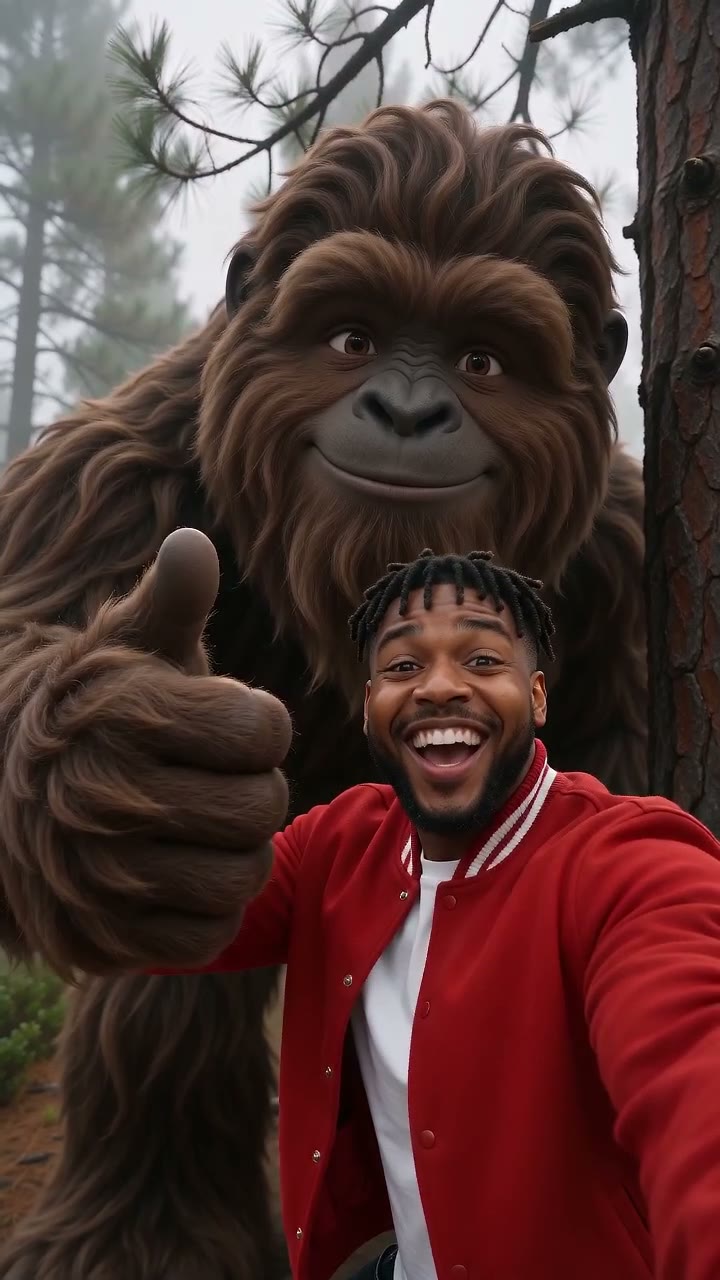
AI Bigfoot
Your selfie vlog in a misty forest, and Bigfoot walks up behind you, waves and joins the selfie.
Make this one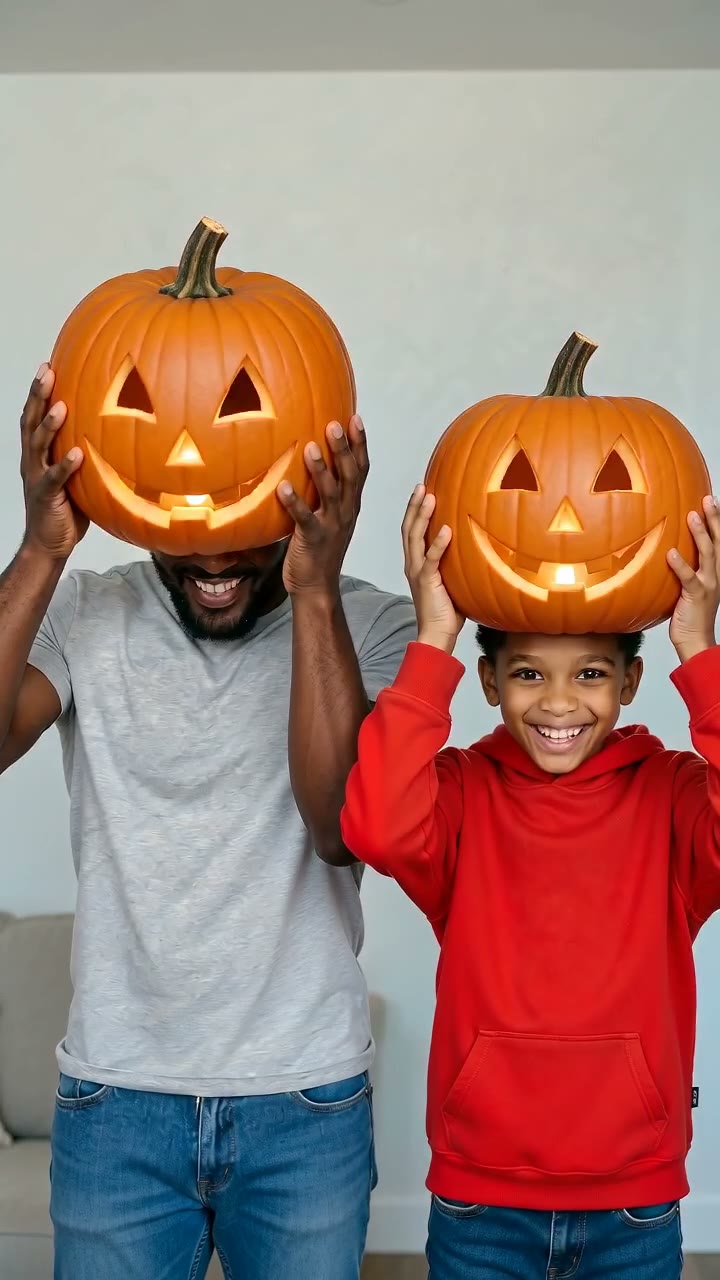
AI Pumpkin Head Photoshoot
A carved jack-o'-lantern goes on, a walk through a dusk field, two posed shots, then the pumpkin comes off.
Make this one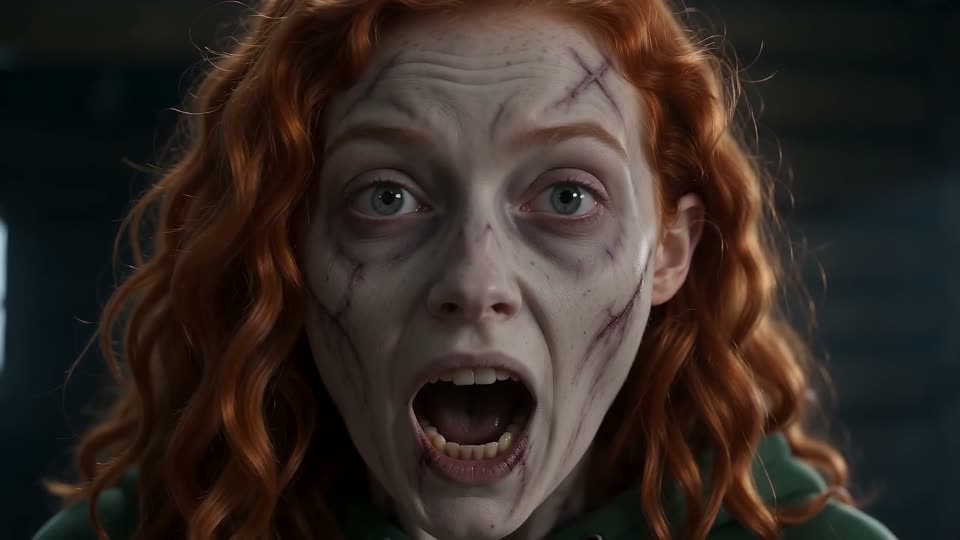
AI Zombie Trend
One of you can't shoot the other, who has turned; the leap cuts to a hug in a wheat field. 15 seconds with sound.
Make this oneGhost filter prank: questions
What is the best AI ghost prank video generator?
What filter is the ghost prank? ("what filter is this?")
Can I make a ghost filter prank video from one photo?
How do I make a ghost appear behind someone using AI?
Is there a free online ghost filter without downloading an app?
What is the ghosts filter effect (#ghostsfiltereffect)?
What's the difference between a ghost face filter and a ghost prank filter?
Is it a jump scare?
Can I use a photo of a friend, or two people?
How do I post it on TikTok?
What is a good alternative to CapCut for ghost prank videos?
How long does it take, and what format is it?
Your ghost prank, from one selfie
One photo in; an 8-second video of a ghost rising behind you out in a few minutes. Works in your browser. A failed render is never charged.