
Crazy Frog AI Video Generator
The TikTok trend where a real person takes the frog's place in the 2005 Axel F video: crouched in mid-air on a motorbike that isn't there, fists out front, grinning into the wind as the city highway streaks past and a biker in red closes in behind. One photo is enough. Add a second and that person is the one chasing you, something the other Crazy Frog AI tools don't do. With the original sound, 15 seconds in landscape like the video. 10 credits at 720p.
- Daughter on the invisible motorbike, dad chasing: Crazy Frog AI with two photos
- One photo in the Crazy Frog AI chase, with the Axel F sound
- Two friends: one rides, one chases on the red bike
🏍️Crazy Frog
1–2 people · 15s
1Add your photo
👤 Crazy Frog: 1 photo is enough
Photo 1 is you: the rider on the invisible motorbike, fists out front. Photo 2 is optional: the friend (or kid, or parent) chasing you on the red bike. One person (or pet) per photo, front-facing, eyes visible.
2Pick quality & length
This video: 10 credits · 10 songs a month for $29.90, or 120 a year for $299
By creating, you confirm you have permission to use every photo. Terms of Service
Ready in a few minutes · Failed renders are never charged · Packs never expire
What's in the 15 seconds
The stretch of the Axel F video the trend copies, shot for shot, with the original sound.
Shot 1 · The grin (0–9s)
It opens on your face, eyes wide, hair in the wind. The camera pulls back: you're crouched on nothing, fists out front, flying down the highway past the orange chevron signs, and a biker appears far behind.
Shot 2 · The chaser (9–10s)
A close shot of the one chasing you, hunched over the handlebars of a big silver motorbike. Your friend, if you added a second photo.
Shot 3 · Side by side (10–14s)
The two of you race along the elevated road, towers streaking past, the bike right on your tail.
Shot 4 · Gone (14–15s)
From behind: you speed off toward the skyline, the chaser following, as the beat kicks on.
How to make the Crazy Frog AI video
Three steps from your phone. No prompt, no CapCut template, no editing.
- 1
Add your photo
Photo 1 is you, the rider. Photo 2 is optional: the friend (or kid, or parent) chasing you on the motorbike. One clear, front-facing photo per person, or a pet.
- 2
Keep Crazy Frog selected
The effect is already picked on this page: 15 seconds, landscape 16:9 like the original video, with the sound. Standard at 720p is 10 credits; 480p is 7.
- 3
Make it and post
It takes a few minutes. Download the MP4 with the sound already on it and post it to TikTok, Reels or Shorts, or send it to the group chat.
What is the Crazy Frog AI trend?
The video. Crazy Frog is the blue-grey cartoon frog from 2005 whose cover of “Axel F”, the Beverly Hills Cop theme, became one of the most-watched videos on YouTube. In the video he rides a motorbike that isn't there, crouched with his fists out, down a futuristic elevated highway while a robot on a real bike chases him. Ring ding ding.
The AI versions. In the first week of October 2026 a creator in Belarus, @tonnatusha, used an AI video model to put himself in the frog's place: same highway, same crouch, same chase, his own face. The clip passed 200,000 views on TikTok in ten days. Within a week there were versions with footballers, politicians, movie characters and a wave of CapCut tutorials in Spanish, English and Portuguese, under #crazyfrogtrend.
What this page does. The same thing from your photo: the AI follows the original shots, camera moves and timing, and you ride instead of the frog. A second photo puts a friend on the bike behind you, which none of the trend tools offer. Nobody turns into a frog.
Who's chasing you?
In the video a red robot on a motorbike chases the frog. Add a second photo and that part is theirs.
Your kid rides, you chase
Put your son or daughter on the invisible motorbike and come after them on the bike. Or the other way round: the family version is the one that gets replayed.
You and your best friend
One rides, one chases. Swap the photos and make a second take the other way round.
Your dog or cat
A pet can be the rider, paws out front on the invisible bike, or the one chasing. It stays a real animal.
Better photos, better chase
The chase opens on a close-up of your face, so that's what carries it.
Clear and front-facing
Even light, looking at the camera, one face per photo. No sunglasses or masks: the face has to be visible for the close-up to be yours.
You keep your outfit
The rider wears the clothes from the photo, so a hoodie or jacket you'd actually ride in looks the part. The chaser gets a red biker jacket.
Two separate photos
The rider and the chaser are never in the same frame up close, so give one photo per person rather than one of both.
Put yourself in another trend
Same deal on every one: your photos, the original moves and the sound.
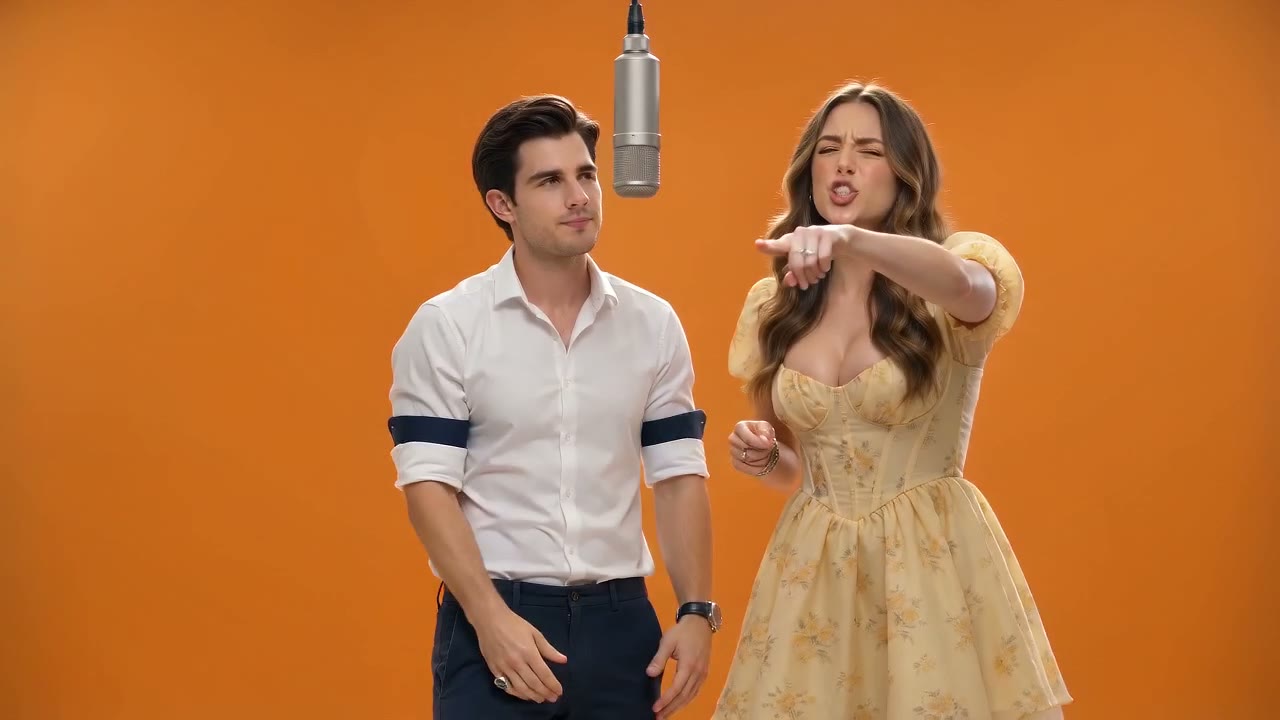
Hotel Lobby AI
You and a friend trading verses in the orange booth under one hanging mic, on the real song. Two photos, 14 seconds.
Make this one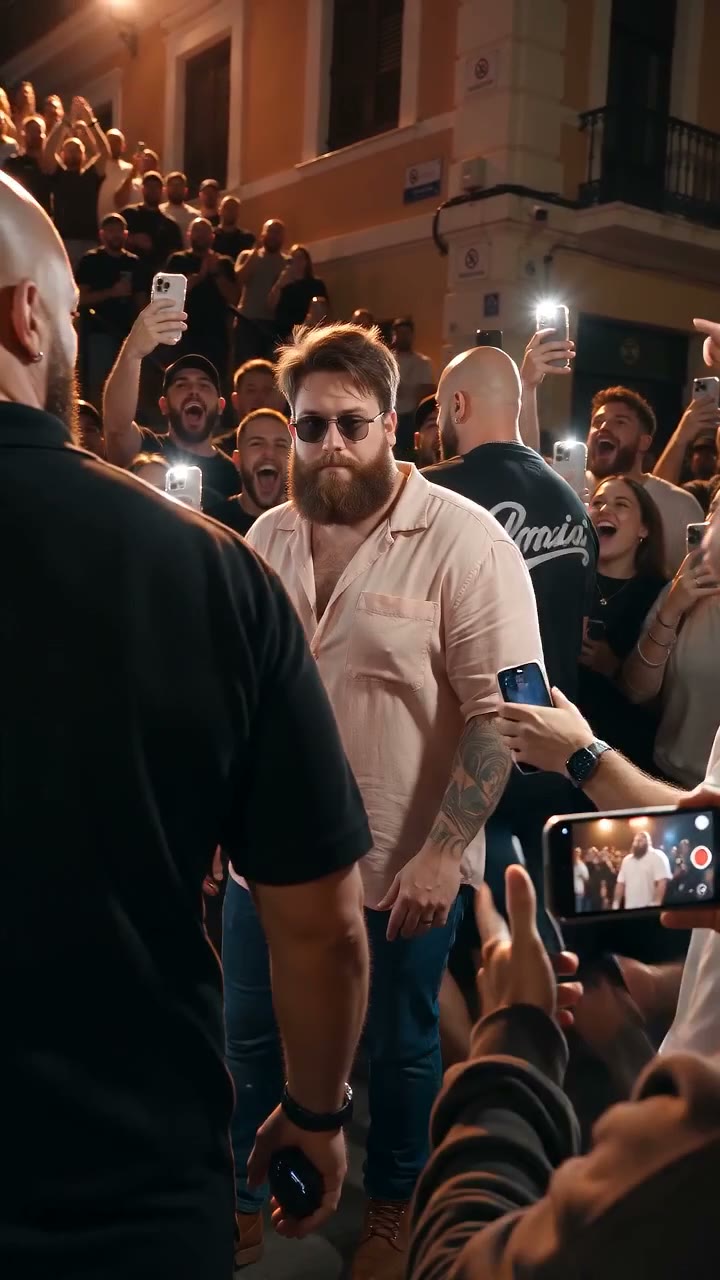
Bulin 47 AI
The red-lit street freestyle with the speaker: you rap back word for word, a friend holds the speaker. 15 seconds vertical, 10 credits.
Make this one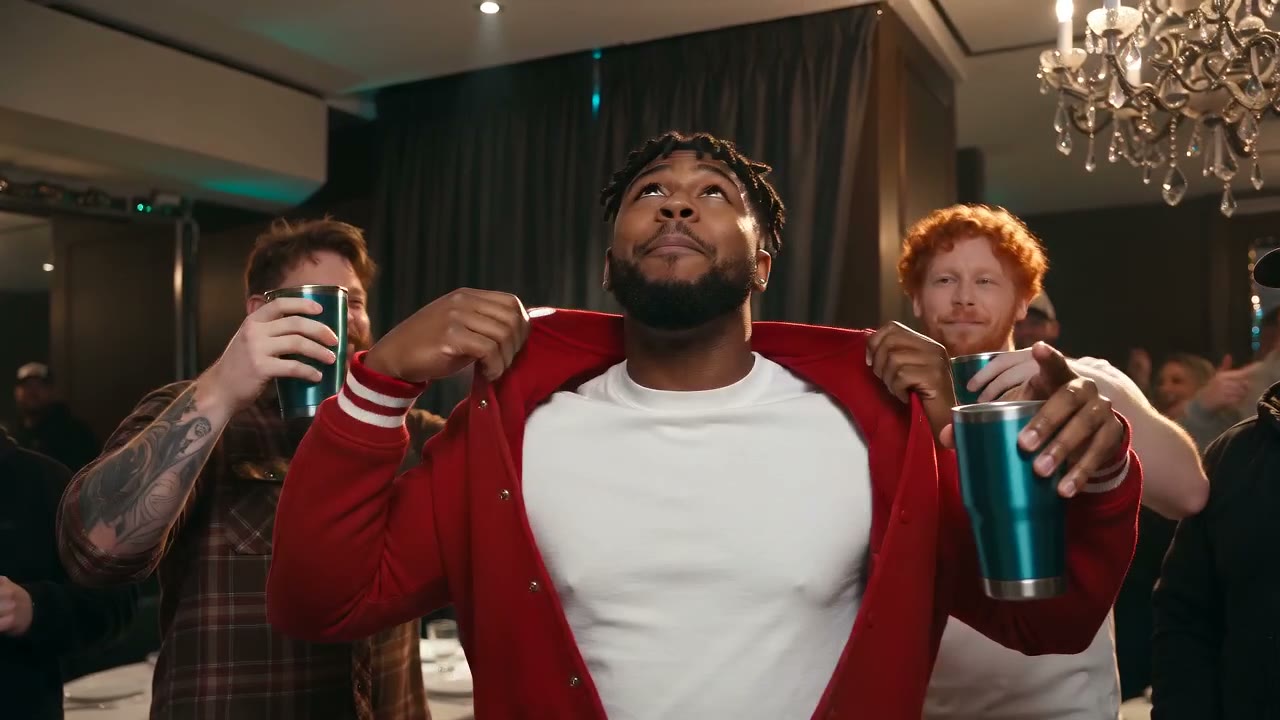
Burning Bridges AI
Drake's chandelier party room: the silver cup, the pointing and the “Where she at?” wave. 1–3 photos, 15 seconds with the song.
Make this one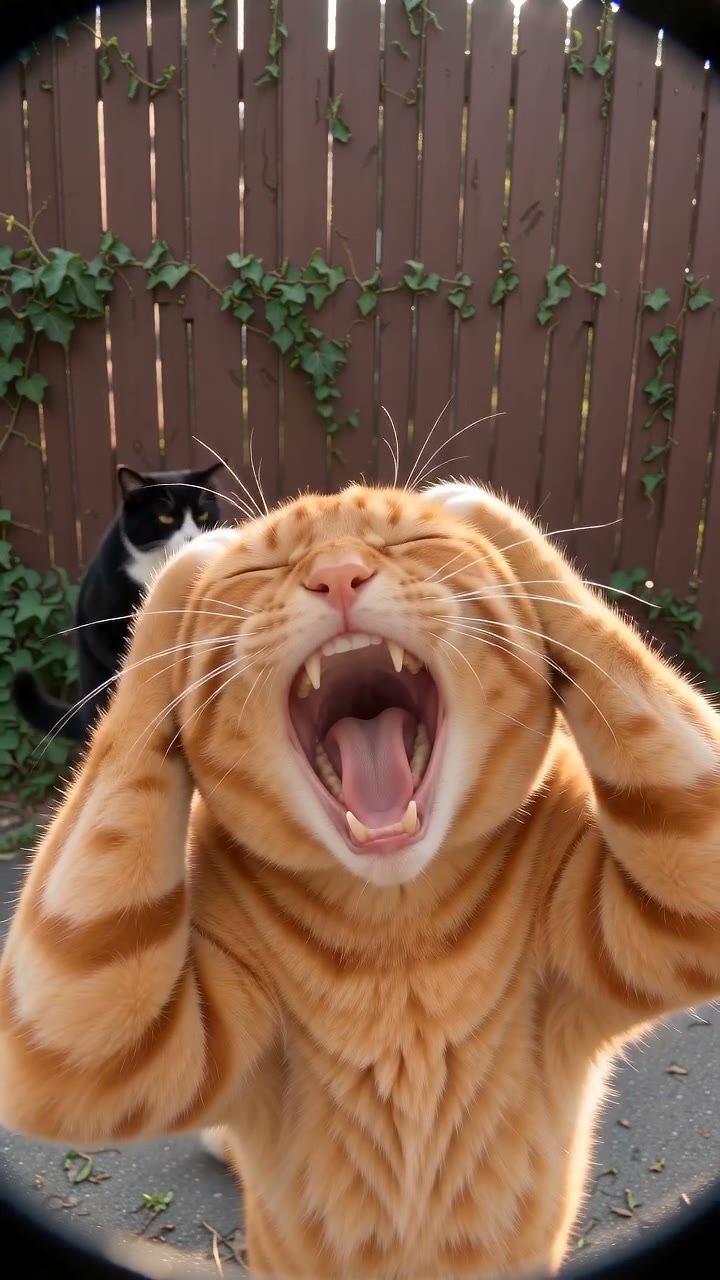
Smalltown Boy AI
The screaming cats trend with two photos: each of you screams into the lens in turn, then you dance side by side. People or pets, 21 seconds with the song.
Make this oneWhat a video costs here
A 15-second video at 720p here is 10 credits. Pay once for the video you just set up, or subscribe if you make them every week. Failed renders are never charged.
Pay once
Credits never expireSingle
12 credits · 1 video
$9.99
≈ $9.99 / video
Enough for 1 video like this one
Trio Pack
Save 33%36 credits · 3 videos
$19.99
≈ $6.66 / video
Enough for 3 videos like this one
Crew Pack
Save 51%120 credits · 10 videos
$49
≈ $4.90 / video
Enough for 12 videos like this one
One for everyone in the family, or 5 in Pro quality
Studio Pack
Save 60%300 credits · 25 videos
$99
≈ $3.96 / video
Enough for 30 videos like this one
Bigger packs:Label Pack · 60 videos · $199Best valueSee every pack and plan
Or subscribe and save
Credits refresh monthly · cancel anytimeBasic
100 credits / month · 8 videos
$29.90/mo
≈ $3.74 / video
10 videos like this one, every month
Pro
Save 17%200 credits / month · 16 videos
$49.90/mo
≈ $3.12 / video
20 videos like this one, every month
Agency
Save 33%480 credits / month · 40 videos
$99.90/mo
≈ $2.50 / video
48 videos like this one, every month
- HD video, no watermark
- Download and post anywhere
- Failed renders are free
- Secure checkout by Stripe
Crazy Frog AI: questions
Can't find your answer? Email us at [email protected] and we'll get back to you.
How do I make the Crazy Frog AI video?
Will my photo turn into a frog?
What is the Crazy Frog AI trend?
Can my friend be the one chasing me?
Does it work with my dog or cat?
Does it come with the Crazy Frog song?
Is there a CapCut template?
How much does it cost?
How long is the video, and what format?
Can I make it in HD or 1080p?
Is this the official Crazy Frog?
Can I use a photo of a celebrity or the frog himself?
Your turn on the invisible motorbike
One photo, the highway chase, the Axel F sound, 15 seconds, 10 credits. Bring a friend to chase you.